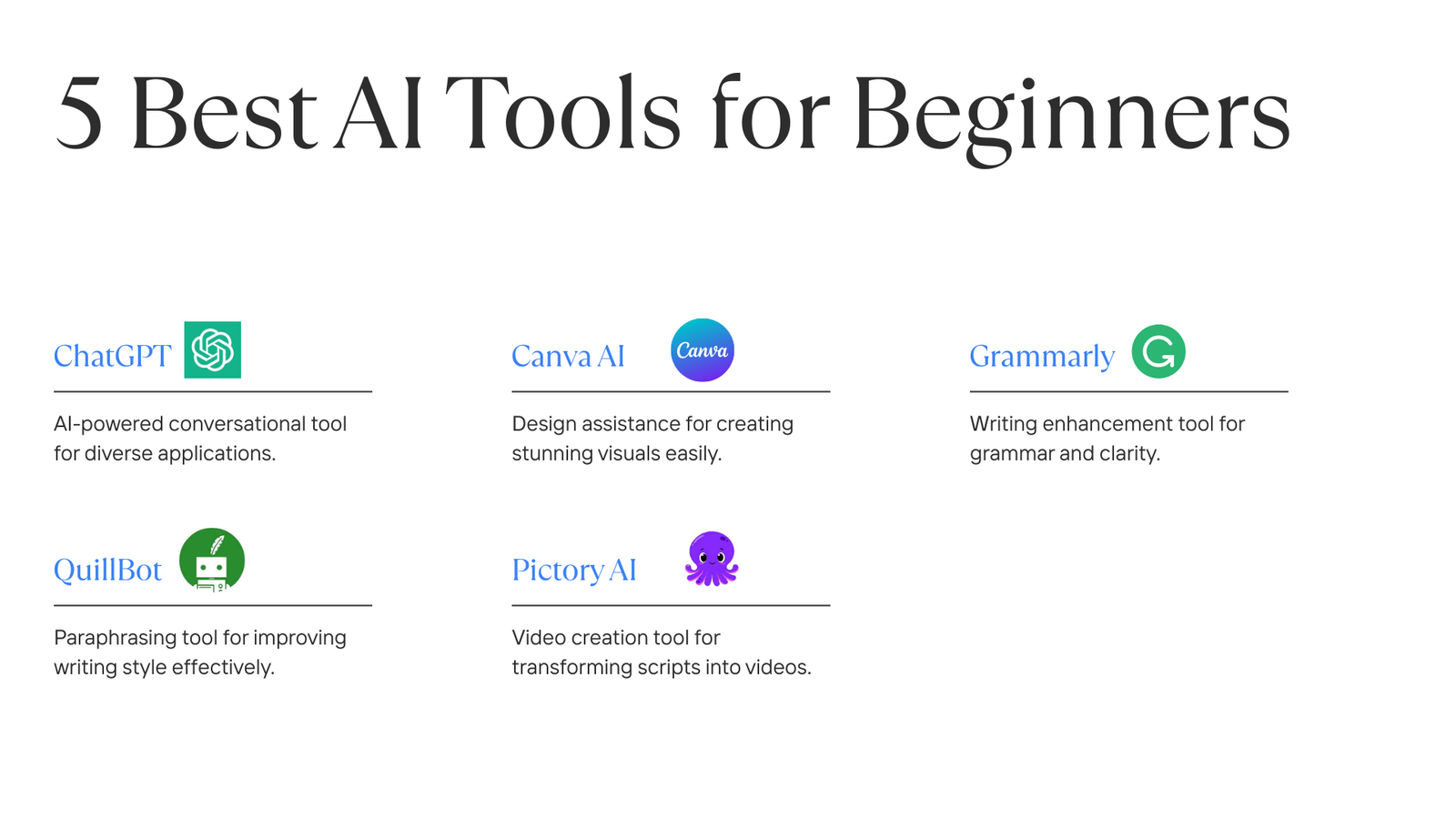
AI tools for beginners can feel overwhelming at first. There are so many options out there that it’s hard to know which ones are actually worth your time.
If you’re new to AI, one thing becomes clear very quickly — there are too many tools out there.
Every day, a new AI app pops up, and everyone claims it will change your life.
If you’re just starting out, these are truly the best AI tools for beginners because they are simple, free, and easy to use.
But here’s the truth: you don’t need most of them.
In this guide, I’ll share a few simple and beginner-friendly AI tools that actually make a difference. These tools are easy to use, mostly free, and perfect if you’re just starting your AI journey.
What Are AI Tools (In Simple Words)?
AI tools for beginners are software programs designed to help you get things done faster and with less effort — whether you’re writing content, designing graphics, researching ideas, or even creating videos.
You don’t need coding skills or technical knowledge to use them.
In most cases, you just type what you want, and the AI takes care of the rest.
If you know how to use Google or WhatsApp, you can use AI tools easily.
Best AI Tools for Beginners (Simple & Free Options)
Below are some AI tools that beginners genuinely find useful.
ChatGPT – The Best Tool to Start With
What it does:
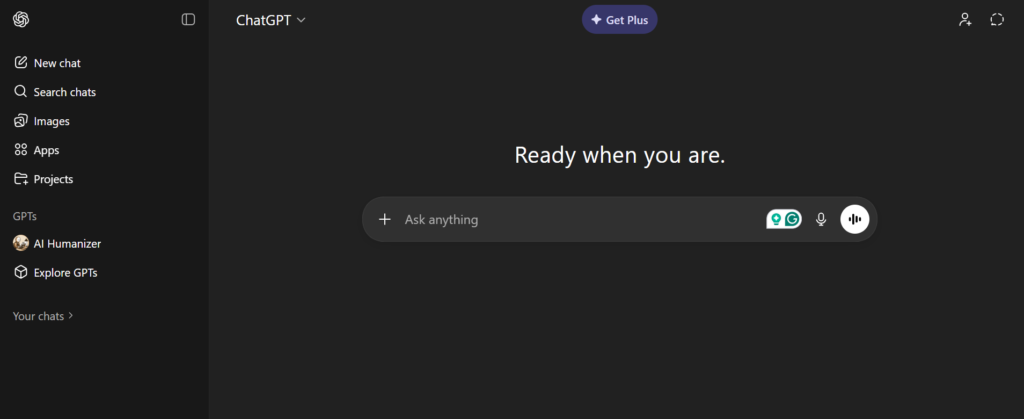
ChatGPT helps you write articles, answer questions, generate ideas, and learn new skills.
Who it’s for:
Beginners, bloggers, students, freelancers
Why beginners love it:
It’s simple. You ask a question, and it gives you an answer instantly — no setup, no confusion.
Pros:
- Very easy to use
- Saves a lot of time
- Free version available
Cons:
- The free plan has daily limits
👉 If you’re new to AI, this should be the first tool you try.
Canva AI – Design Without Any Skills
What it does:
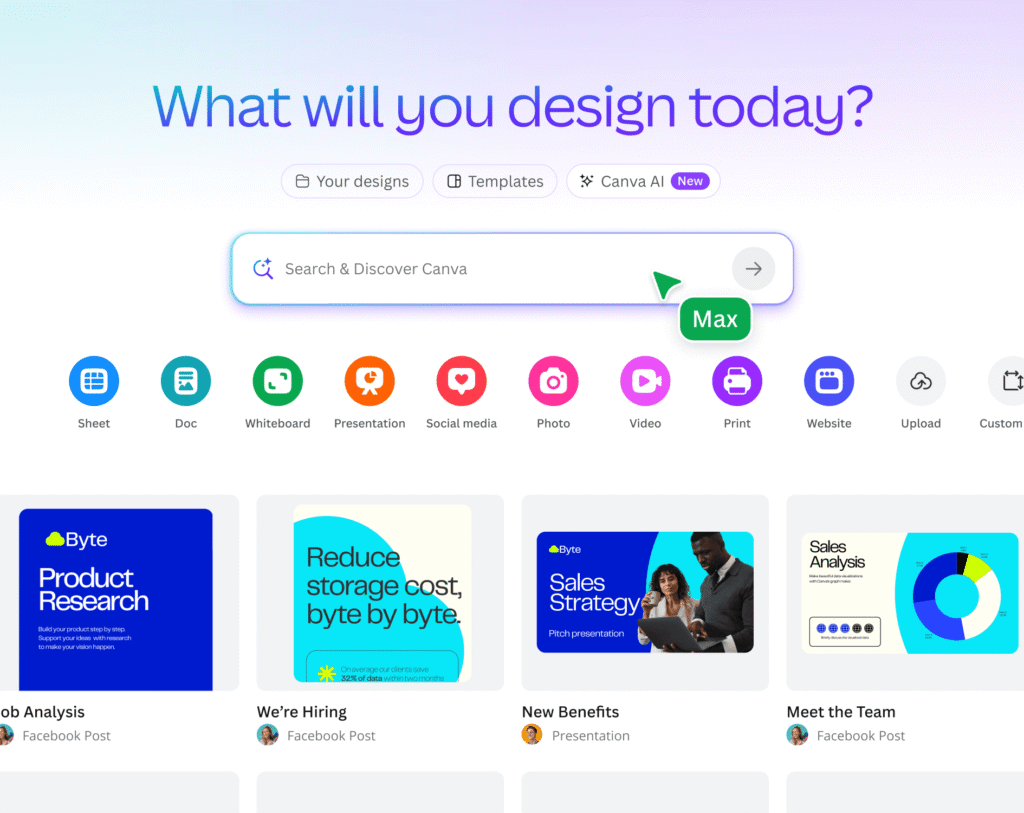
Canva helps you create social media posts, blog images, thumbnails, presentations, and even logos.
Who it’s for:
Content creators, bloggers, small businesses
Why beginners love it:
You don’t need any design experience. Just pick a template, change the text, and you’re done.
Pros:
- Simple drag-and-drop editor
- Thousands of free templates
- Very beginner-friendly
Cons:
- Some advanced features are paid
👉 Perfect for Instagram, Pinterest, and blog graphics.
Grammarly – Write Better English Instantly
What it does:
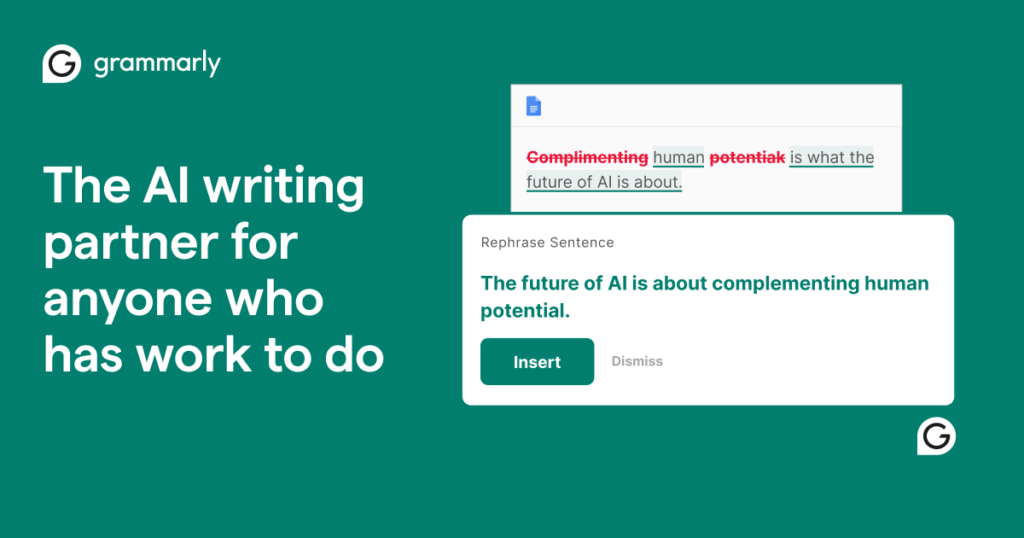
Grammarly checks your grammar, spelling, and sentence clarity while you write.
Who it’s for:
Bloggers, students, and non-native English writers
Why beginners love it:
It works in the background and fixes mistakes automatically — you don’t need to learn anything.
Pros:
- The free version is very helpful
- Improves writing quality
- Works directly in your browser
Cons:
- Premium plan needed for advanced suggestions
👉 A great tool if English is not your first language.
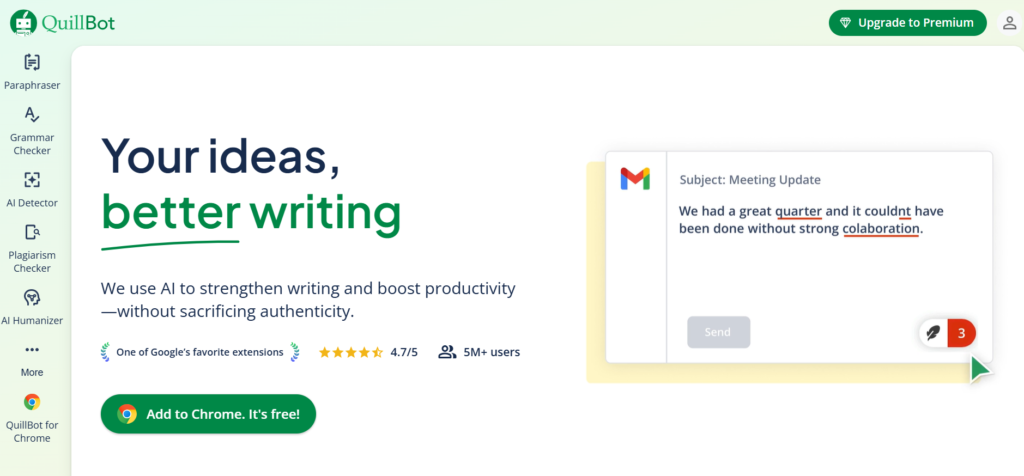
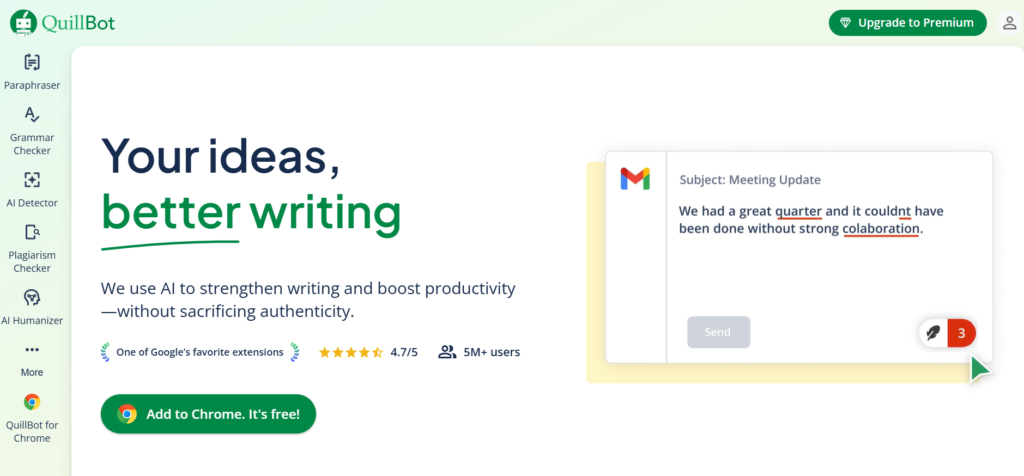
QuillBot – Make AI Content Sound More Human
What it does:
QuillBot rewrites sentences so they sound more natural and easier to read.
Who it’s for:
Bloggers, students, content writers
Why beginners love it:
It helps remove robotic or repetitive wording from AI-generated content.
Pros:
- Easy to use
- Multiple rewriting modes
- Free plan available
Cons:
- Word limit on the free version
👉 Very useful for humanizing AI-written articles.
Pictory AI – Turn Text into Videos
What it does:
Pictory automatically converts written content into short videos.
Who it’s for:
YouTubers and Instagram or TikTok creators
Why beginners love it:
You don’t need video editing skills. Just paste your text, and the video is created for you.
Pros:
- Saves a lot of time
- Automatic captions
- Beginner-friendly interface
Cons:
- Mostly a paid tool
👉 A good option for reels and short-form videos.
Which AI Tools Should You Use First?
If you’re just starting, don’t try to use everything at once. That only leads to confusion.
A simple and effective combination is:
- ChatGPT – for ideas and writing
- Canva – for images and social media
- Grammarly – for clean, error-free content
Common Beginner Mistakes With AI
- Copy-pasting AI content without editing
- Trying too many tools at the same time
- Expecting AI to do everything automatically
AI works best when you guide it and add your own touch.
Final Thoughts
AI doesn’t replace effort — it simply reduces confusion and saves time.
You don’t need expensive tools or advanced skills to get started.
Start small, learn one tool properly, and grow step by step.
If you’re searching for the best AI tools for beginners, start with simple tools that solve real problems.
2 thoughts on “Best AI Tools for Beginners (Simple, Free & Easy to Use)”