Google AI tools for beginners are changing how people build apps, create content, and automate work—without coding or expensive software.
What’s interesting is that most beginners don’t even know these tools exist yet.
Some can:
- Build apps and websites
- Automate workflows visually
- Turn documents into explainer videos
- Create social media campaigns
- Generate presentations, images, and even podcast-style audio
And the best part?
Many of these tools are free or beginner-accessible.
In this guide, I’ll walk you through Google’s latest AI tools, explain what each one does, and show how beginners can actually use them without getting overwhelmed.
No hype. No technical jargon. Just clear explanations.
Why Google AI Tools Matter for Beginners
Most AI tools today feel confusing, expensive, or built only for developers.
Google is doing something different.
These tools are:
- Beginner-friendly
- Built into tools people already trust
- Designed to save time, not add complexity
If you’re just starting with AI, content creation, or online projects, these tools can replace multiple paid platforms.
1️⃣ Google AI Studio – Build Apps, Websites & MVPs
Tool: Google AI Studio
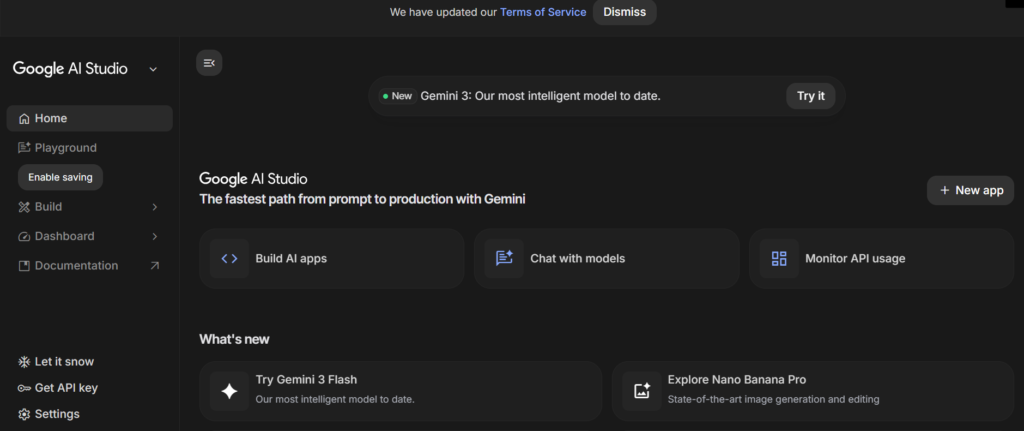
Google AI Studio lets you build basic apps, tools, and prototypes using AI — without writing complex code.
What beginners can use it for:
- Creating simple web apps
- Testing business ideas (MVPs)
- Building AI-powered tools
- Experimenting with Gemini models
You interact with AI using natural language, not programming jargon.
Why it’s useful:
- No expensive software
- Beginner-accessible interface
- Ideal for learning how AI-powered products work
If you’ve ever wanted to build something but didn’t know where to start, this is one of the easiest entry points, where you get Google AI Tools for Beginners, which are better than most paid tools.
2️⃣ Google Opal – Visual AI Workflow Automation
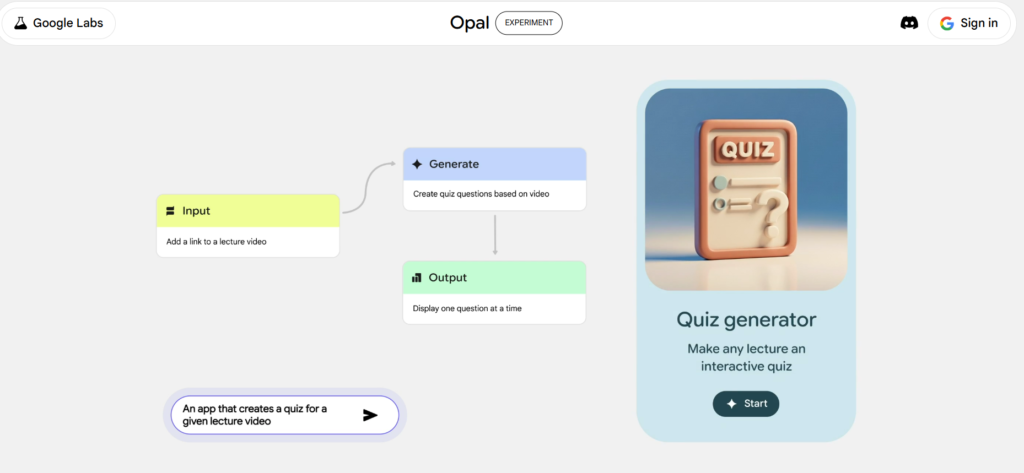
Tool: Google Opal
Google Opal allows you to automate tasks visually, instead of writing scripts or code.
Think of it like:
“Drag, connect, and automate — powered by AI.”
What you can automate:
- Content workflows
- Repetitive online tasks
- Data handling steps
- Simple business processes
Why beginners like it:
- No coding required
- Visual workflow builder
- Easy to understand logic
This tool is perfect if automation sounds interesting to you, but tools like Zapier or Make feel overwhelming.
3️⃣ NotebookLM – Turn Documents Into Explainer Content
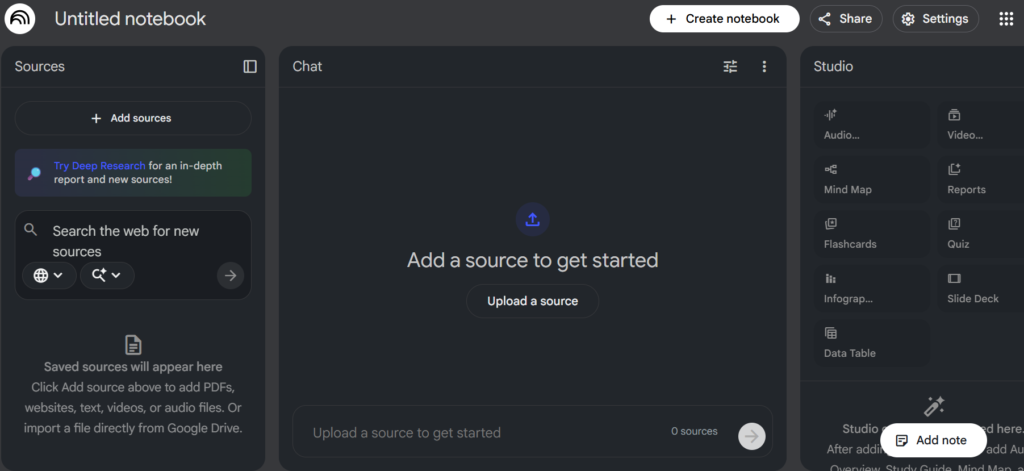
Tool: NotebookLM
NotebookLM is one of Google’s most underrated AI tools.
You upload:
- PDFs
- Articles
- Notes
- Research documents
And AI helps you understand, summarize, and explain them.
Beginner-friendly uses:
- Turning long documents into summaries
- Creating explainer scripts
- Preparing learning notes
- Understanding complex topics quickly
Some creators even use NotebookLM to prepare content for videos and blog posts.
It’s like having a smart study partner who actually explains things clearly.
4️⃣ Pameli (Google Labs) – AI Social Media Campaigns
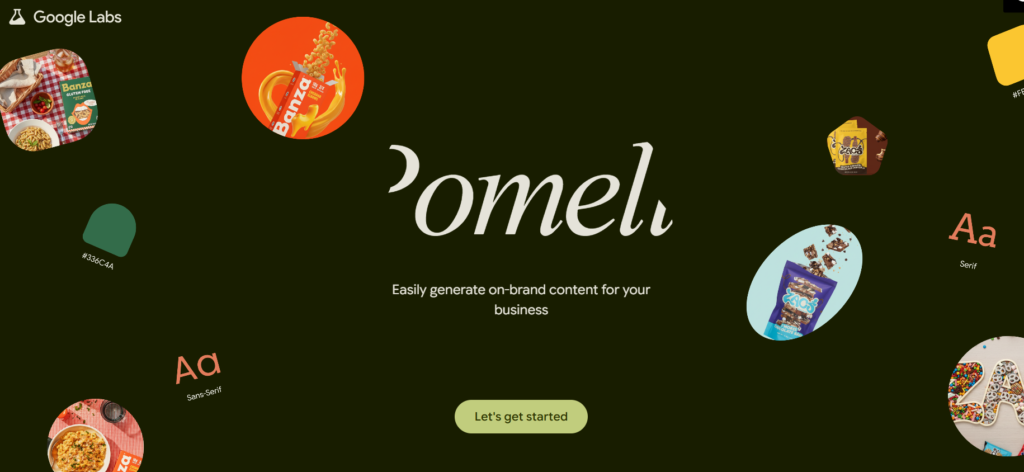
Tool: Pameli (Google Labs)
Pameli focuses on AI-powered social media campaigns.
Instead of guessing what to post, AI helps:
- Generate campaign ideas
- Suggest content formats
- Plan social posts
- Align messaging across platforms
Why this matters:
Beginners often struggle with consistency on social media.
Pameli helps reduce:
- Content burnout
- Idea confusion
- Random posting
This makes it especially useful if you’re promoting a blog, website, or online project.
5️⃣ Gemini Canvas – Create Presentations Instantly
Tool: Gemini Canvas
Gemini Canvas helps you create presentations and structured content using simple prompts.
You can:
- Generate slides from text
- Turn ideas into presentations
- Organize information visually
Who should use this:
- Students
- Bloggers
- Educators
- Beginners creating tutorials
If PowerPoint or Google Slides feel time-consuming, Gemini Canvas removes most of the manual work.
6️⃣ Nano Banana Pro – AI Image Generation Inside Gemini
Tool: Nano Banana Pro
Nano Banana Pro is an AI image generation feature built directly into Gemini.
You can:
- Generate images using text prompts
- Create visuals for blogs and social media
- Experiment with AI art styles
Why beginners love it:
- No separate image tool needed
- Simple prompts
- Works inside Gemini
This is especially useful for people who don’t have design skills but still need visuals.
7️⃣ Multi-Speaker AI Audio – Podcasts & Voiceovers
Tool: Multi-Speaker AI Audio
This tool lets you generate AI voices and multi-speaker audio.
You can create:
- Podcast-style conversations
- Narration for videos
- Voiceovers for content
Beginner use cases:
- Faceless YouTube videos
- Educational narration
- Audio explanations for blogs
You don’t need a microphone or recording setup — AI handles the voice creation.
How Beginners Can Use Google AI Tools Together
Here’s a simple workflow example:
- Use NotebookLM to summarize an idea
- Create visuals with Nano Banana Pro
- Build short videos using those visuals
- Plan social posts with Pameli
- Link everything back to your website
This is how AI tools actually work together, not in isolation.
Common Beginner Mistakes to Avoid
Even with powerful tools, mistakes can slow you down.
Avoid:
- Trying all tools at once
- Expecting instant results
- Copy-pasting AI output without editing
- Ignoring consistency
Pick one or two tools, learn them properly, and build slowly.
Final Thoughts
These Google AI tools for beginners are designed to reduce complexity.
You don’t need:
- Coding skills
- Expensive software
- A technical background
You just need:
- Curiosity
- Patience
- Willingness to learn
At Future Desk Hub, our goal is to help beginners understand tools like these without confusion or fake promises — and Google’s AI ecosystem is one of the best places to start.
If you’re just starting, check our guide on
Best AI Tools for Beginners (Simple, Free & Easy to Use)